
How To Open The Options Chain On Thinkorswim
With the recent move by top brokers like TD Ameritrade to eliminate commissions there have been lots of new traders opening new accounts there. A lot of these traders are coming from using apps like Robinhood which are popular for their simplicity so starting to use a new platform like TOS can be quite a challenge. In this guide I will show you how to Find and use the Options chain on TOS for both desktop and mobile devices. Let’s start with desktop. First you open up the platform and login then do the following:
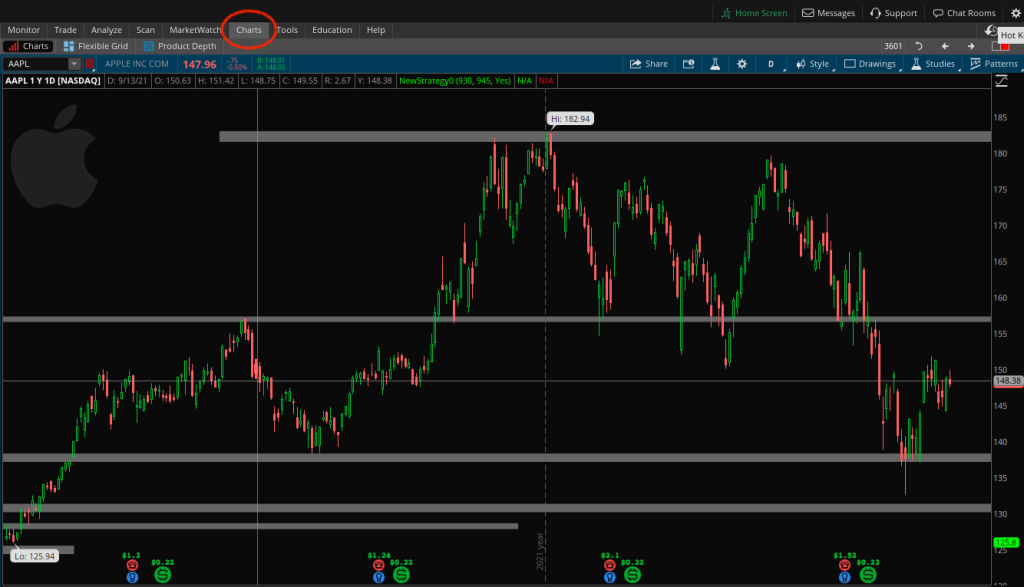
Step 1: Click on the “Charts” tab in the upper left corner
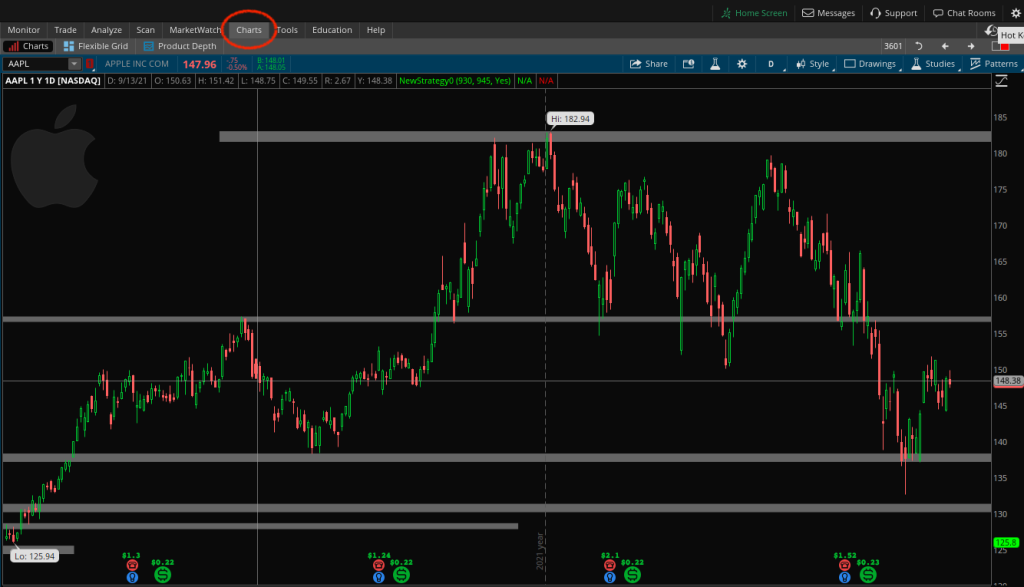
Step 2: Pull up the chart for the stock you are interested in
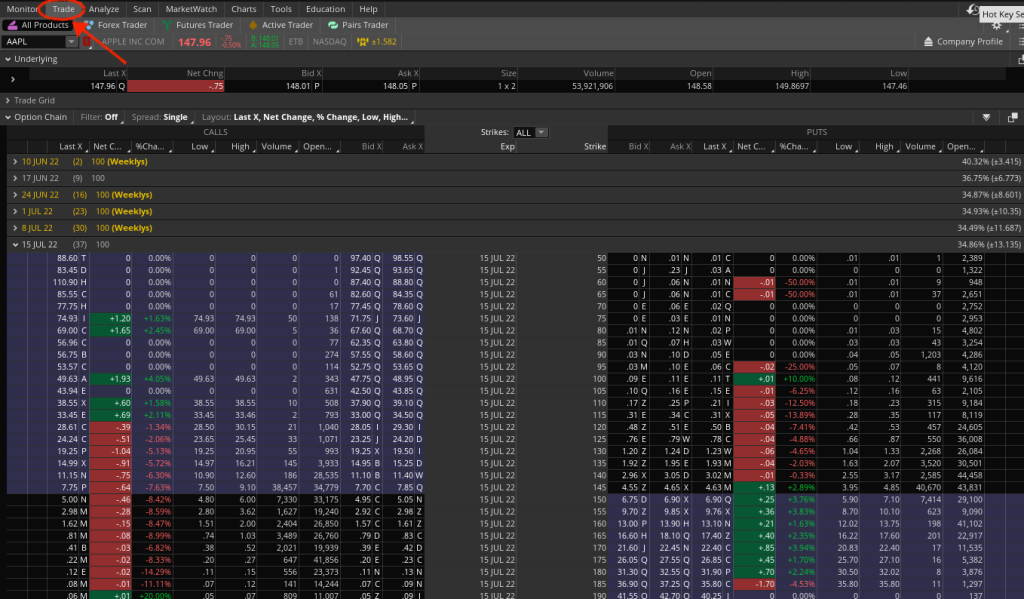
Step 3: Click on the “ Trade Tab” in the upper left next to monitor. This will open up the Options Chain
Now let’s take a look at how you pull up the Thinkorswim Options Chain on the mobile app:
Step1: Login to the App
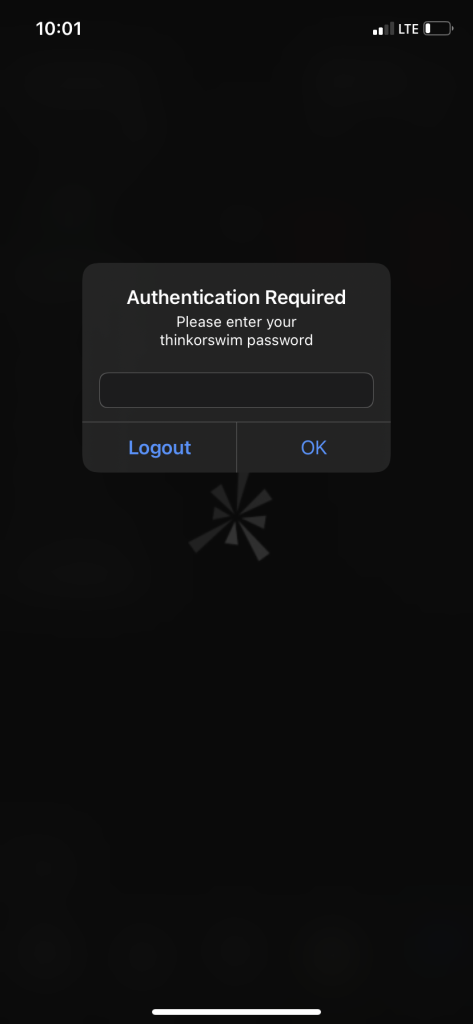
Step 2: Click on “watchlist”
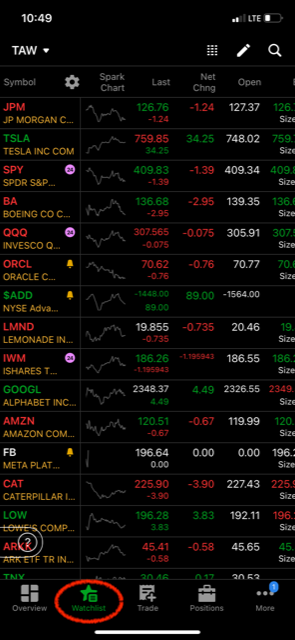
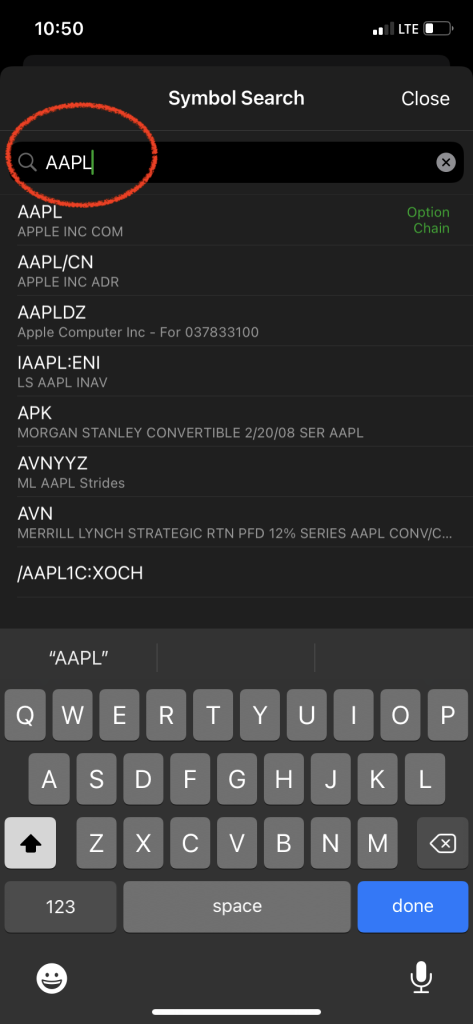
Step 3: Type in the stock symbol that you are interested in
Step 4: The stock quote should show up with the Option chain right below it
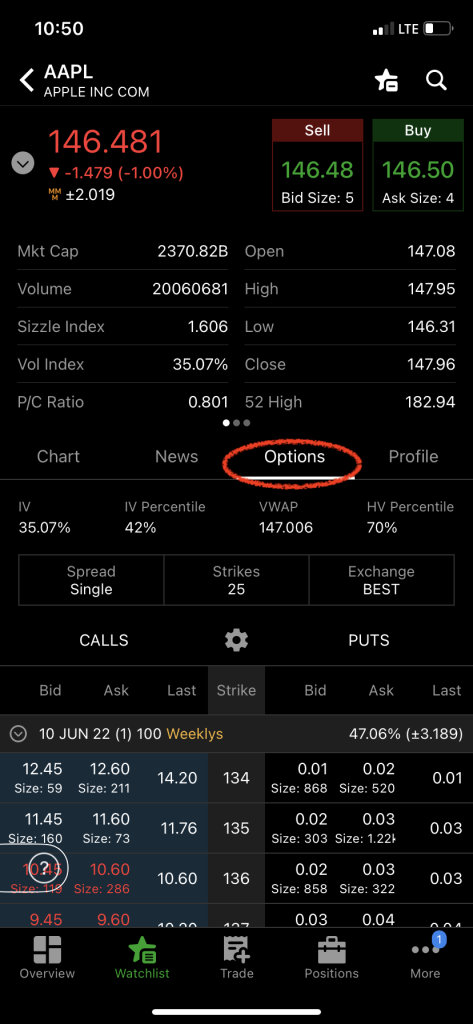
As you can see, it is all really simple and straightforward and literally takes seconds on both the desktop and the mobile app.
My name is Chris and I run this site. I am a full time trader and I also run a piece of software that flags Unusual Options Activity in the market. If you want to see what the big players are buying and selling in Realtime, then check out the Unusual Options Activity Alerts by clicking here.